
On October 5, 2021, Microsoft released Windows 11, the successor of Windows 10. Earlier that year, it was leaked online before the June 24 reveal. Now let’s see what’s new and updated.
New Fluent design with rounded corners
Windows 11 features a new Fluent design, and now, most system elements have rounded corners. They even changed the emojis (but they’re 2D. Microsoft revealed Fluent emojis in 2D. The UI icons are now using Microsoft’s Fluent UI Icons, replacing the MDL2 set in Windows 10.

Redesigned apps and interface
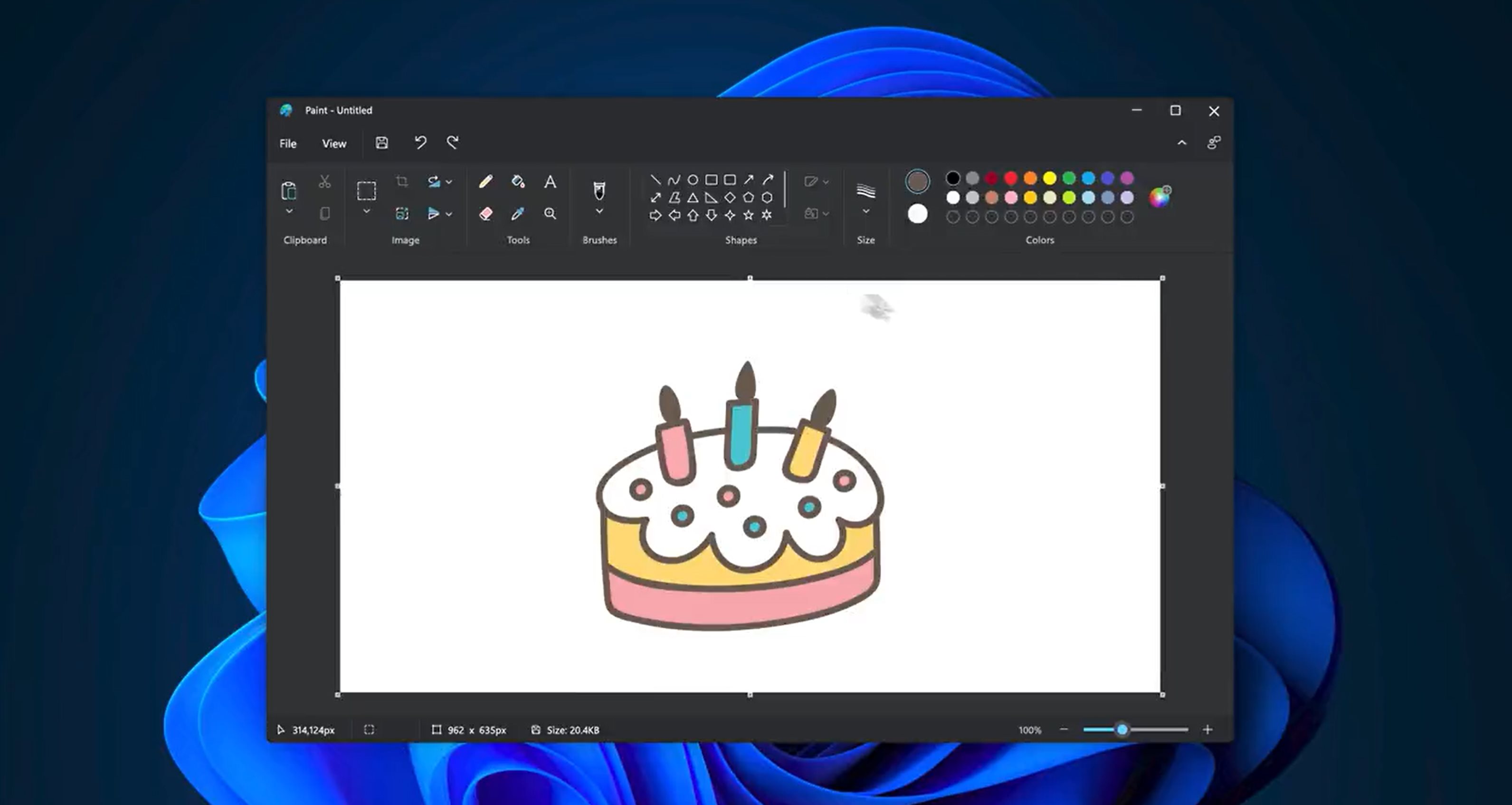
Many of Windows 11’s apps got changed, redesigned, or could just be ignored and you might still see legacy UI, such as in the Control Panel app or the Registry Editor. But apps like Snipping Tool, Paint, and in the future: Notepad and the Windows Media Player, got changed to look like “UWP” apps.

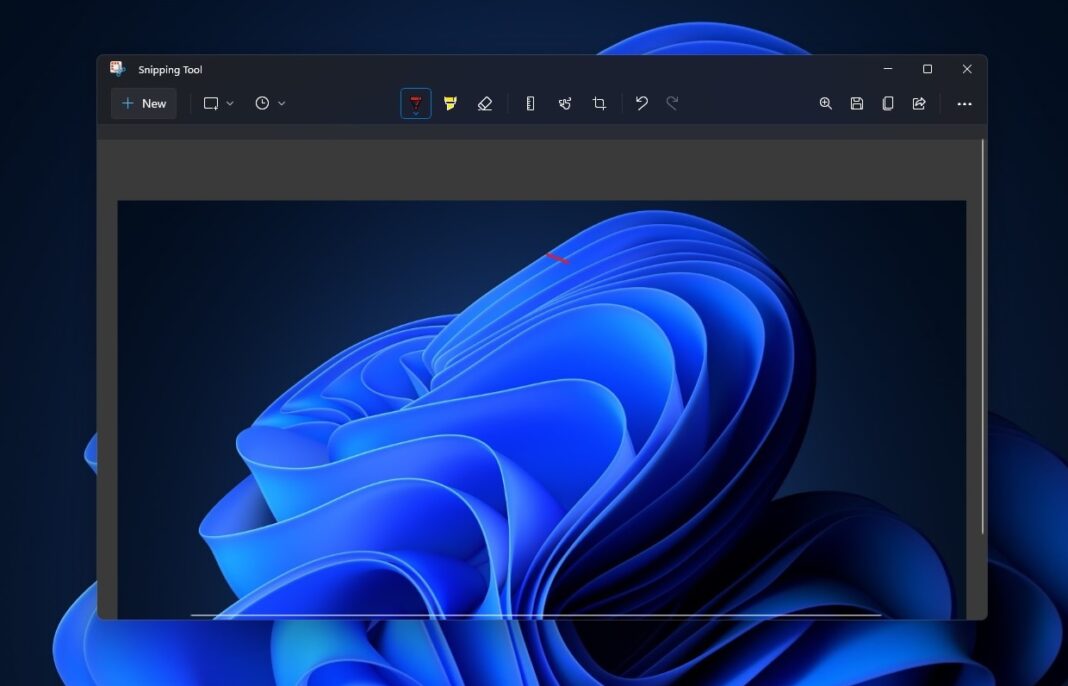
Snip & Sketch went back to being Snipping Tool, but now it’s like Snip & Sketch.
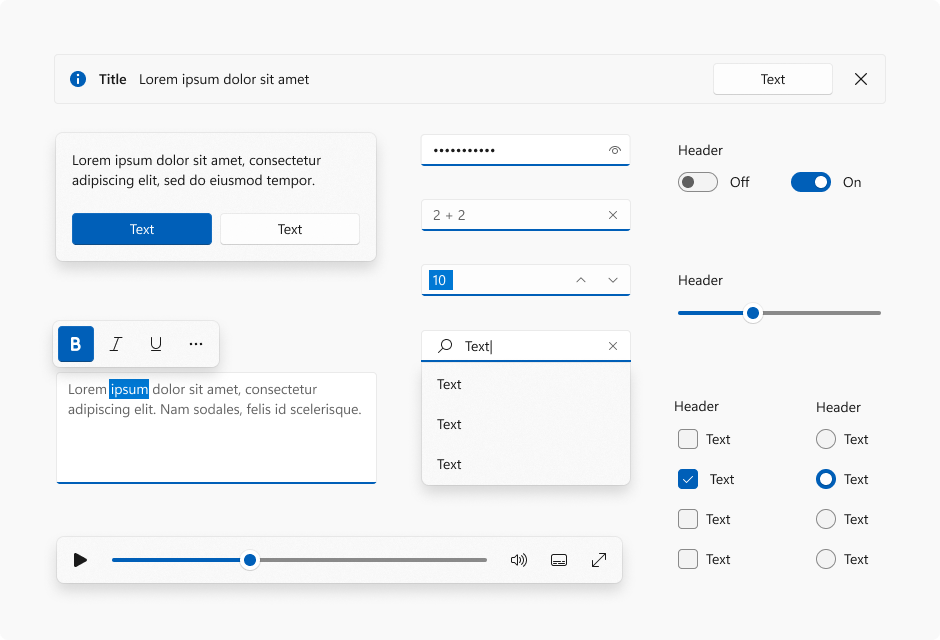
In UWP apps, WinUI 2.6 has the Windows 11 controls, but Mica is only available on Windows 11.
Mica, Acrylic, & Smoke
These are the different materials in Windows 11. Learn more here.
Acrylic has already been in Windows 10, but…
In Windows 11, acrylic has been updated to be brighter and more translucent, allowing for a stronger contextual relationship with the visuals behind it.
Microsoft says here.
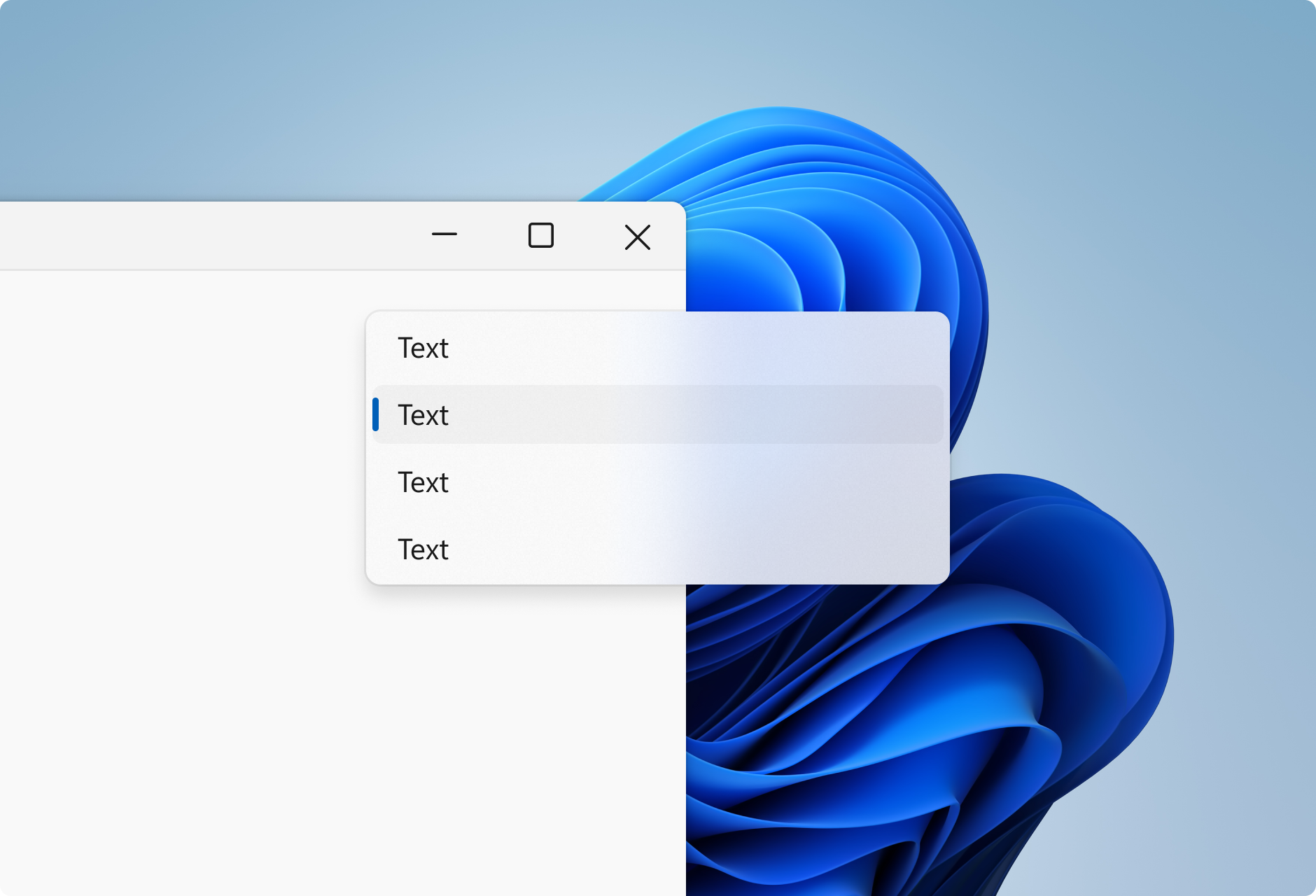
Mica is new. It can be used in the title bar in UWP apps. If we have the Bloom wallpaper and we put Mica in our app, it will look more solid blue than with acrylic.
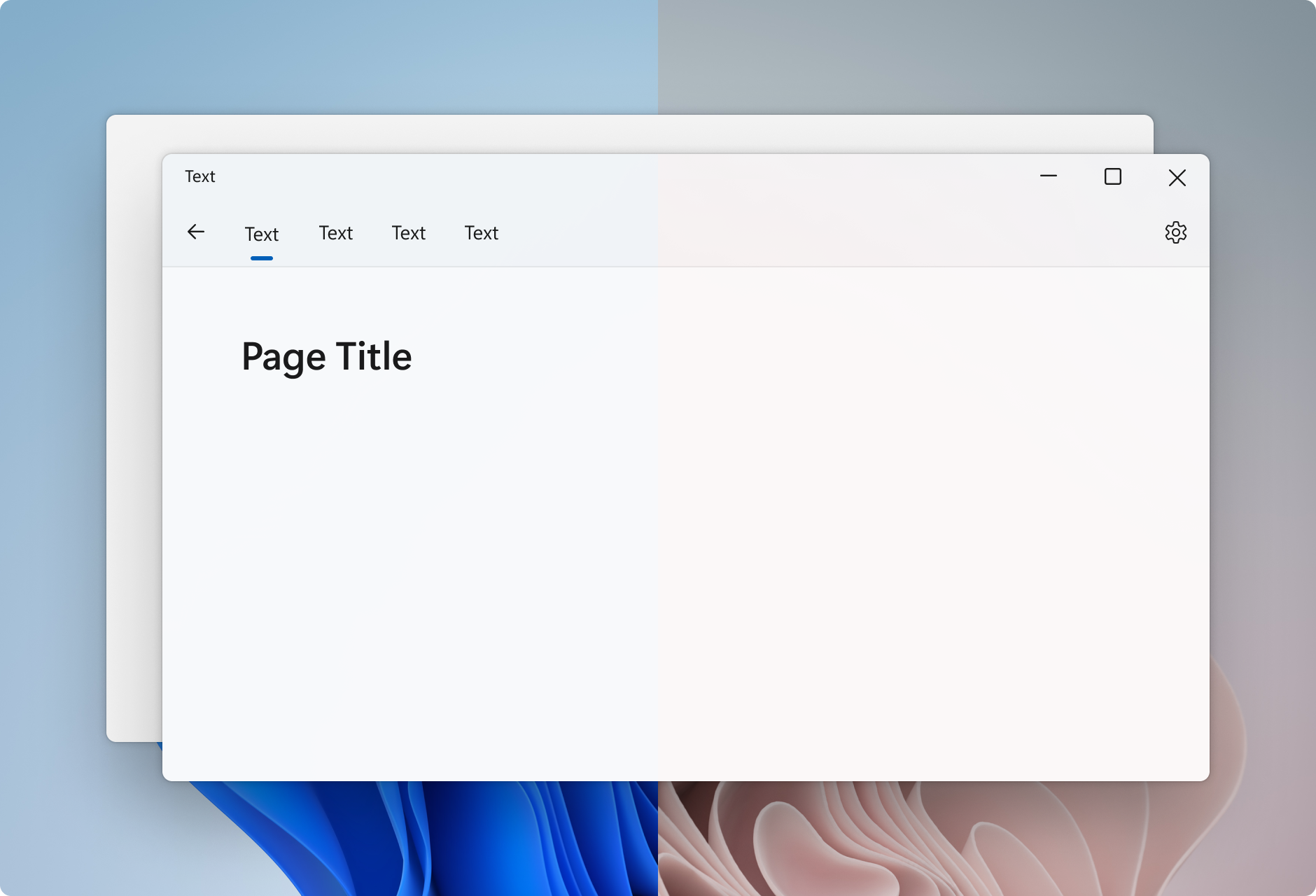
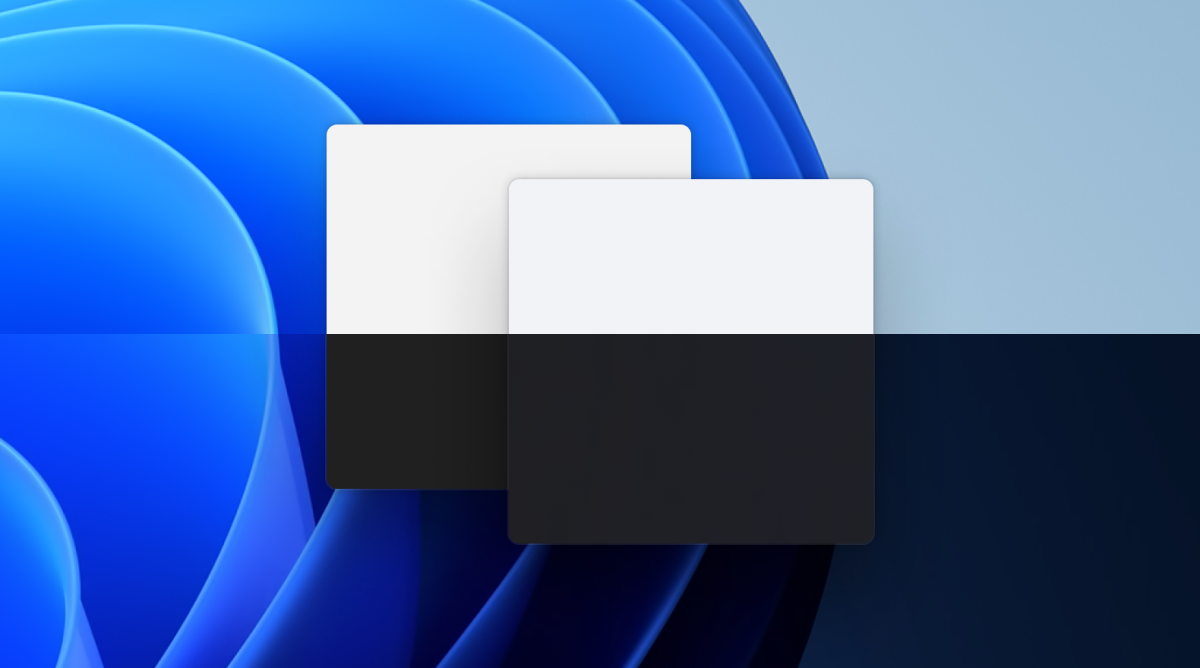
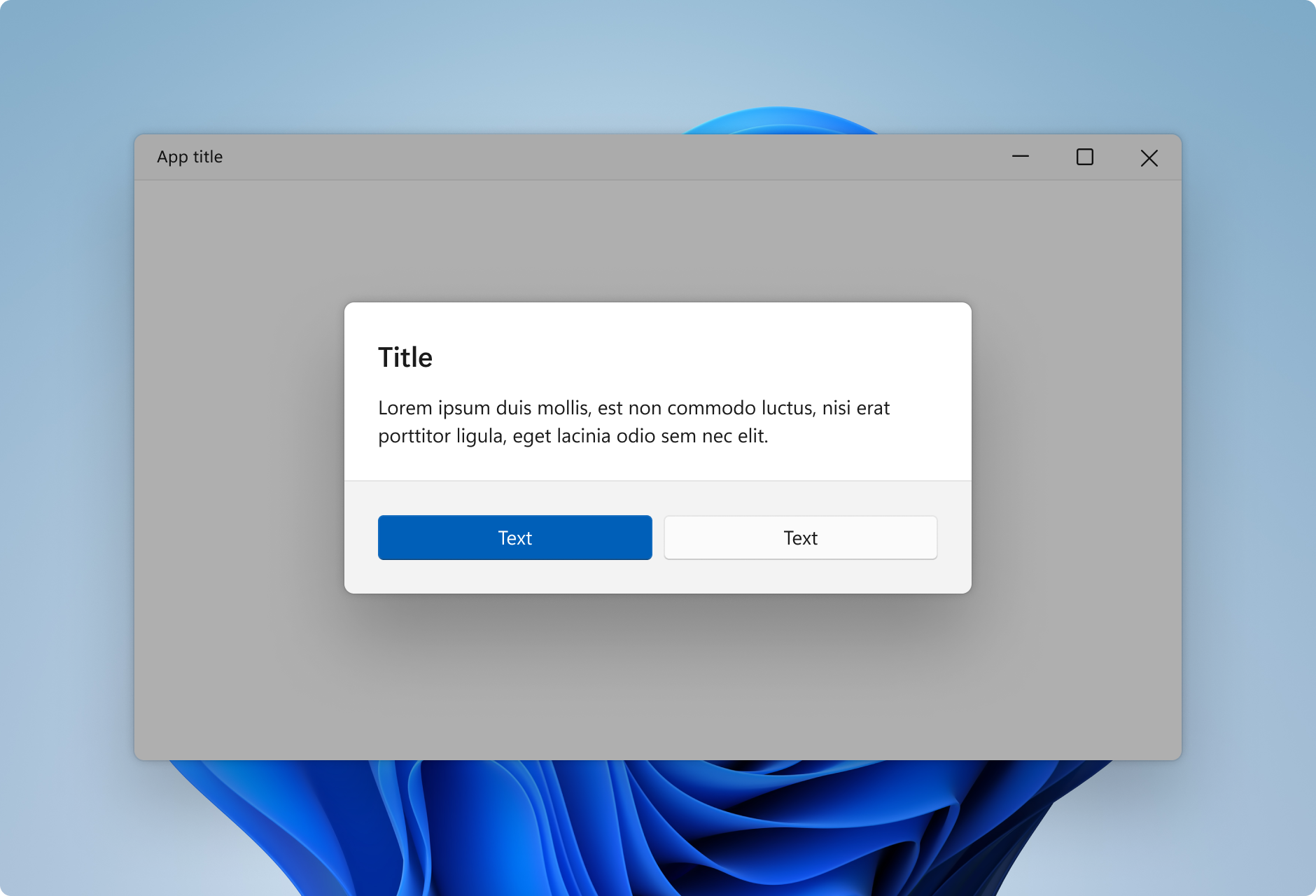
Smoke is used as the dimming layer for dialogs. It transparent black.
Many PCs can’t get Windows 11 😓
Sadly, many PCs can’t get Windows 11. In our family, only 2 of our computers got the free upgrade to Windows 11. The rest, still Windows 10.
Why? Because Windows 11 was unexpected. It was six years between the time Windows 10 was released and when Windows 11 was announced. So, Windows 11 has high requirements.
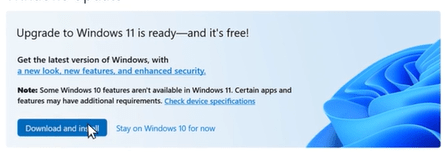
A PC 2 years old or newer can get Windows 11. Microsoft is offering a free upgrade to Windows 11, so if your PC is supported, you can get it for free.

 Euphemos
Leave a reply to euphemosglobal Cancel reply